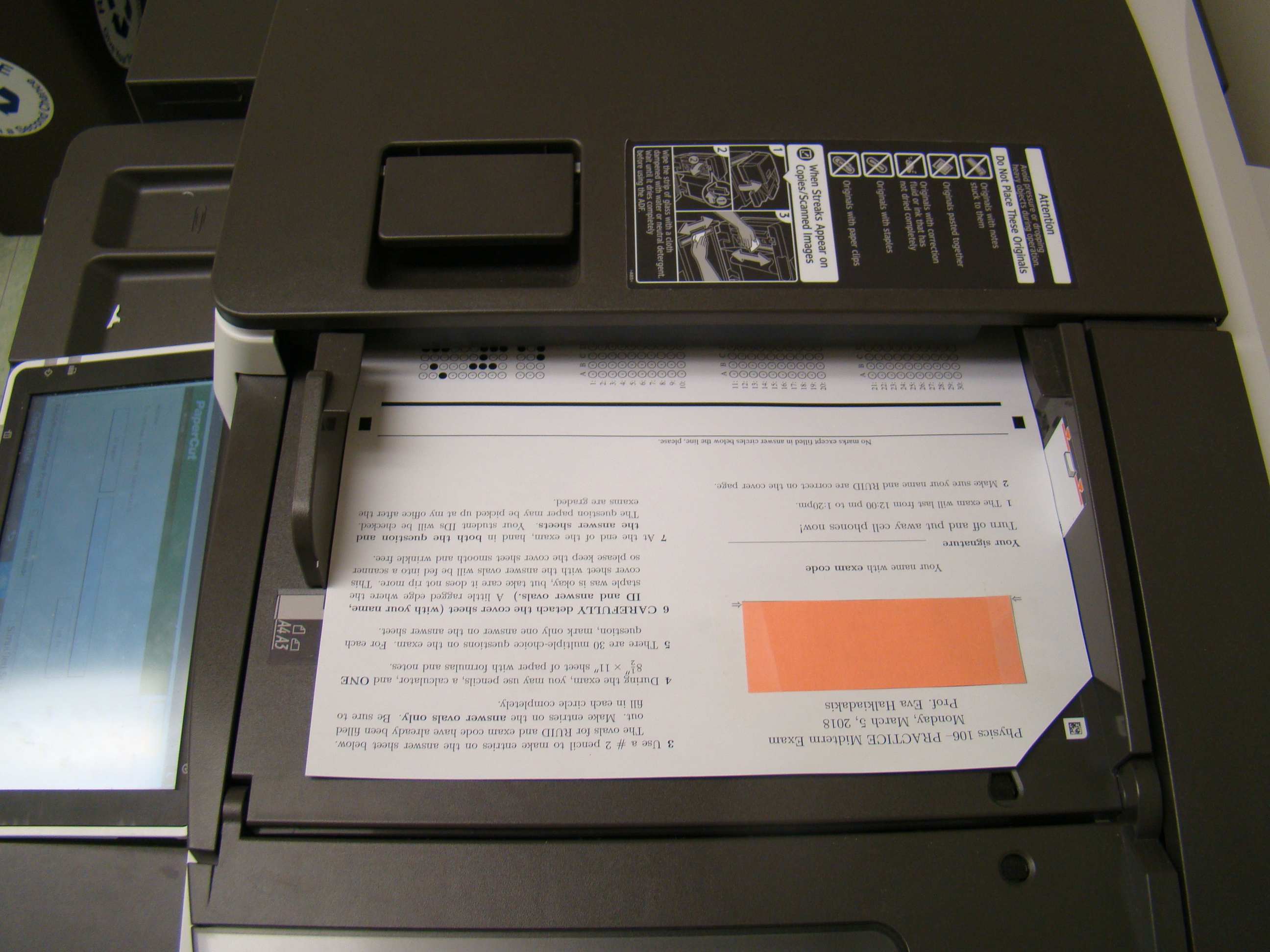
 For each group,
Scanning Options
is set to black-and-white, single-sided, resolution 300 dpi, and 30-50%
brightness. Make sure the Input Page Size and
the Onput Page Size are set to
to Letter, and Orientation is
set to Same as Original
For each group,
scan01.pdf if you have more
than 9 batches).
scanN.pdf, execute
gs -sDEVICE=pbmraw -r300 -o scanN%03d.pbm scanN.pdfscanxyyy.pbm for each student, where
x is whatever replaced N.
Now execute
ls scan*.pbm > inputlist
flipit180 scanxyyyflip.pbm for each student,
which are rotated so that the answer form on the right.ls scan*flip.pbm > inputlist
gthumb
      `head -1 inputlist`
that the answers are on the right.
If this is not correct, get help from me]